Files
Manage files and versions.
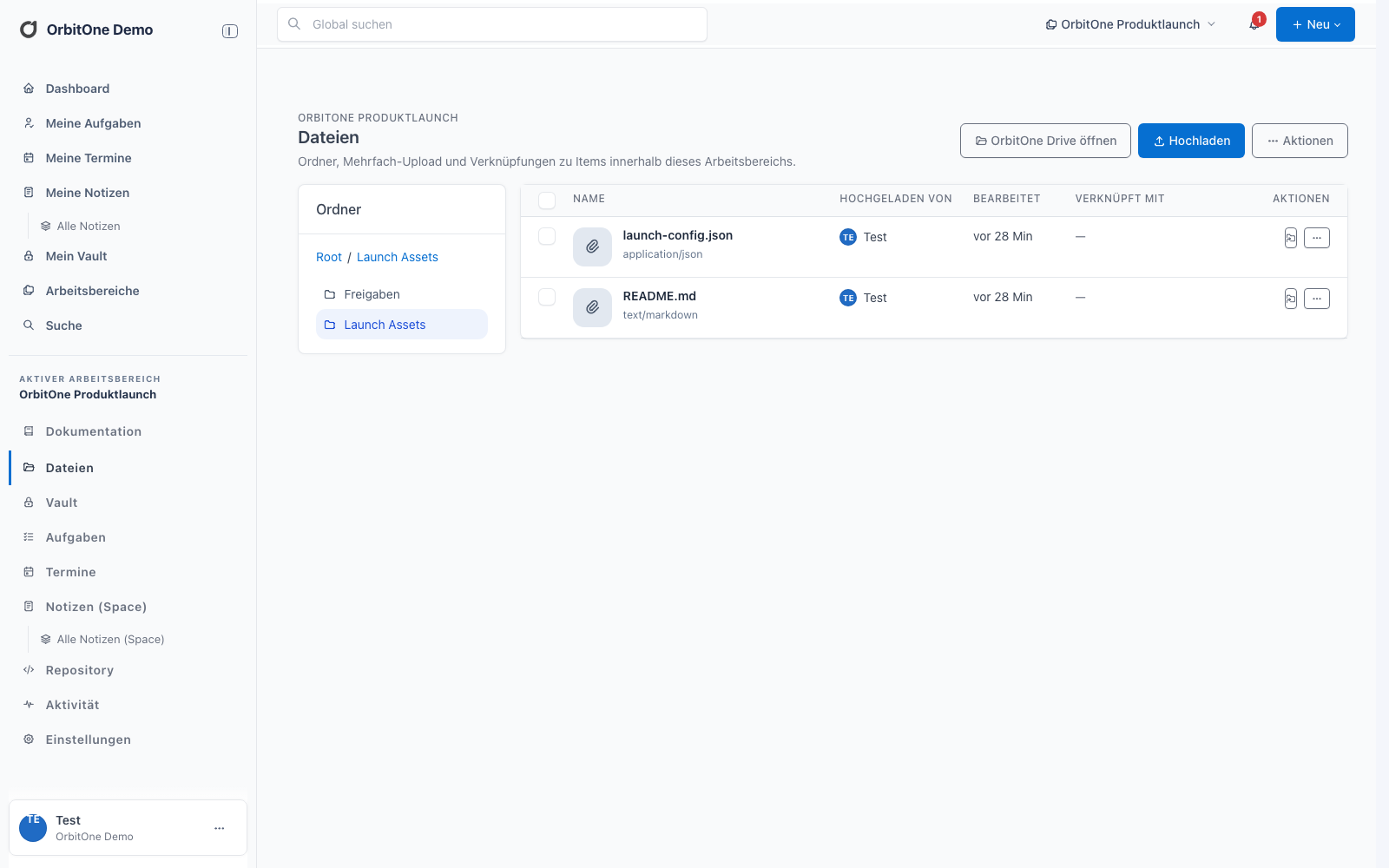
Files are stored in folders within a Space. Versions, links and module permissions are managed for each file entry.
Functions
Store, version and reference.
- Folder structureOrganize workspace files in folders.
- Multiple uploadSelect multiple files and track upload status.
- VersionsStore new versions and inspect previous file states.
- ReferencesSee linked docs, notes, tasks and other items.
- DownloadsDownload permitted files from the Web app.
- Space permissionsControl access through membership and module permissions.
OrbitOne Drive
Desktop synchronization.
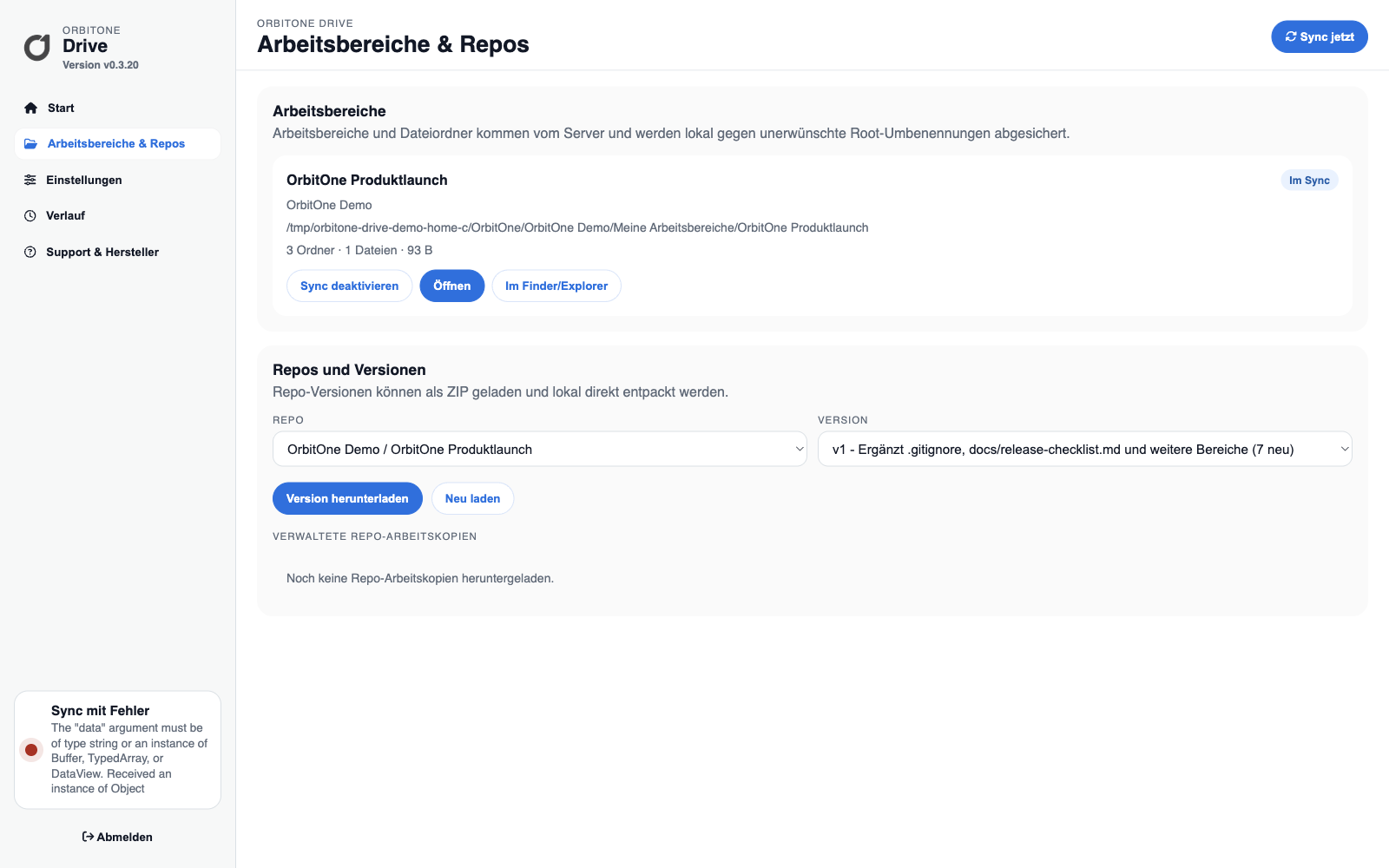
Drive synchronizes permitted workspace files with a local folder on Windows and macOS. A manifest reduces unnecessary transfers; concurrent changes create conflict copies.
- Select workspaces for synchronization
- Upload and download changes
- Preserve conflicts instead of silently overwriting
- Manage repository working copies