
Tools & add-ons
Available clients and extensions.
OrbitOne provides a mobile app for iOS and Android, a Web app, Drive for Windows and macOS, plus extensions for VS Code and supported browsers.
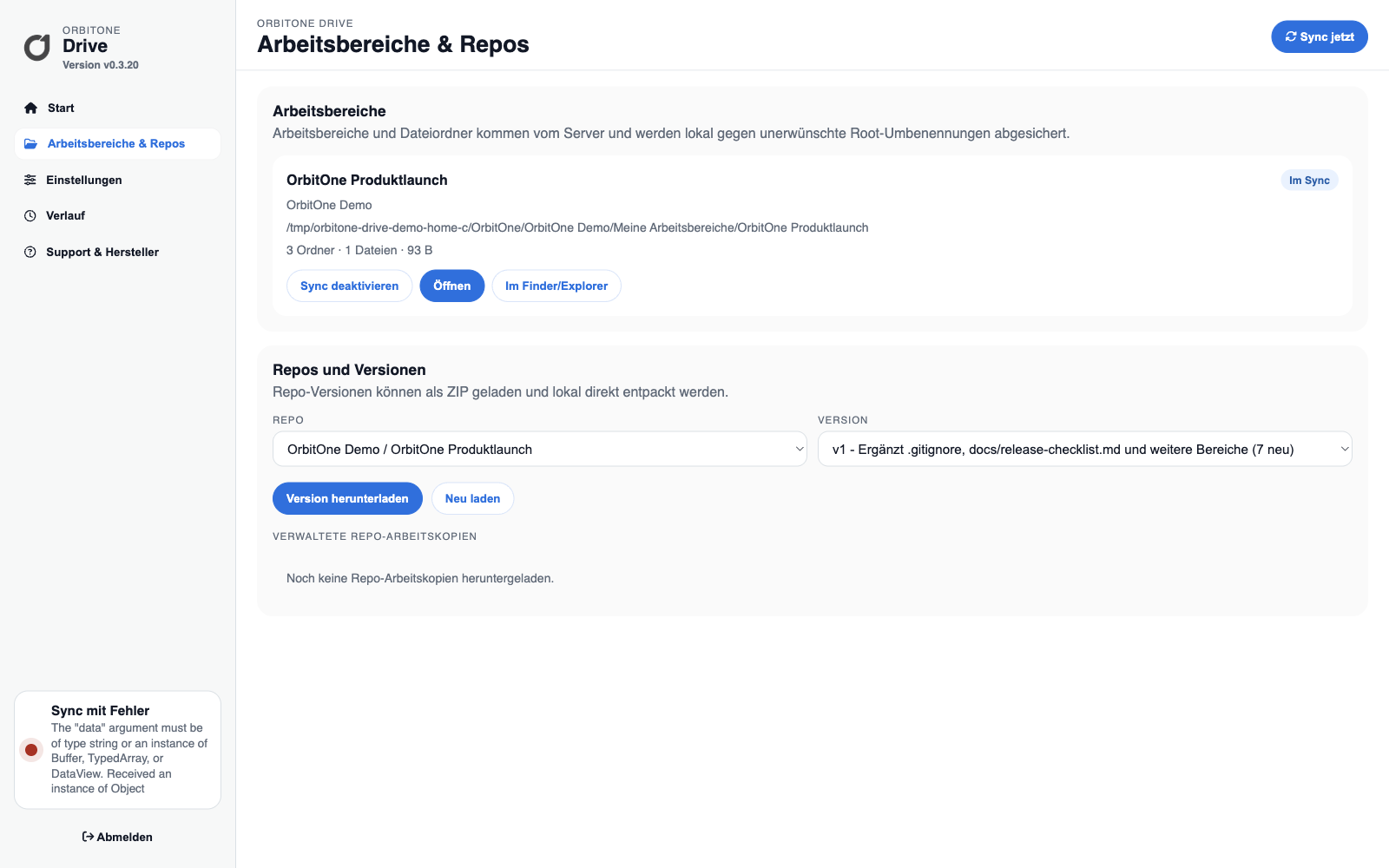
Overview
Platforms and functions.
- OrbitOne WebAll modules, Spaces, settings and administration without installation.
- OrbitOne MobileFor iPhone and iPad on the App Store, and for Android on Google Play.
- Drive for macOSNative Mac App Store app with file and repository sync.
- Drive for WindowsWorkspace files and repository working copies in the local file system.
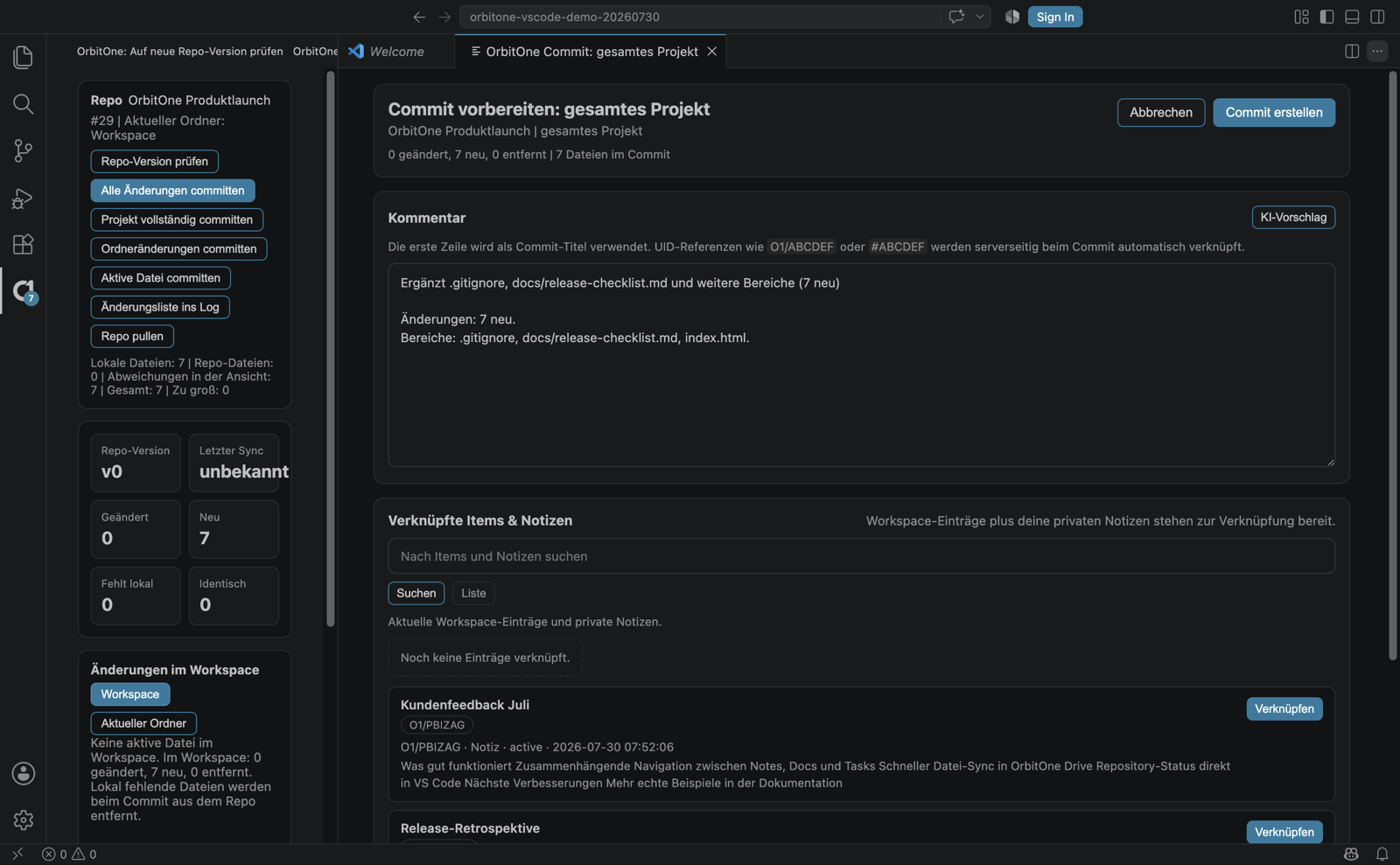
- VS Code extensionRepository status, diffs, commits, pulls and versions.
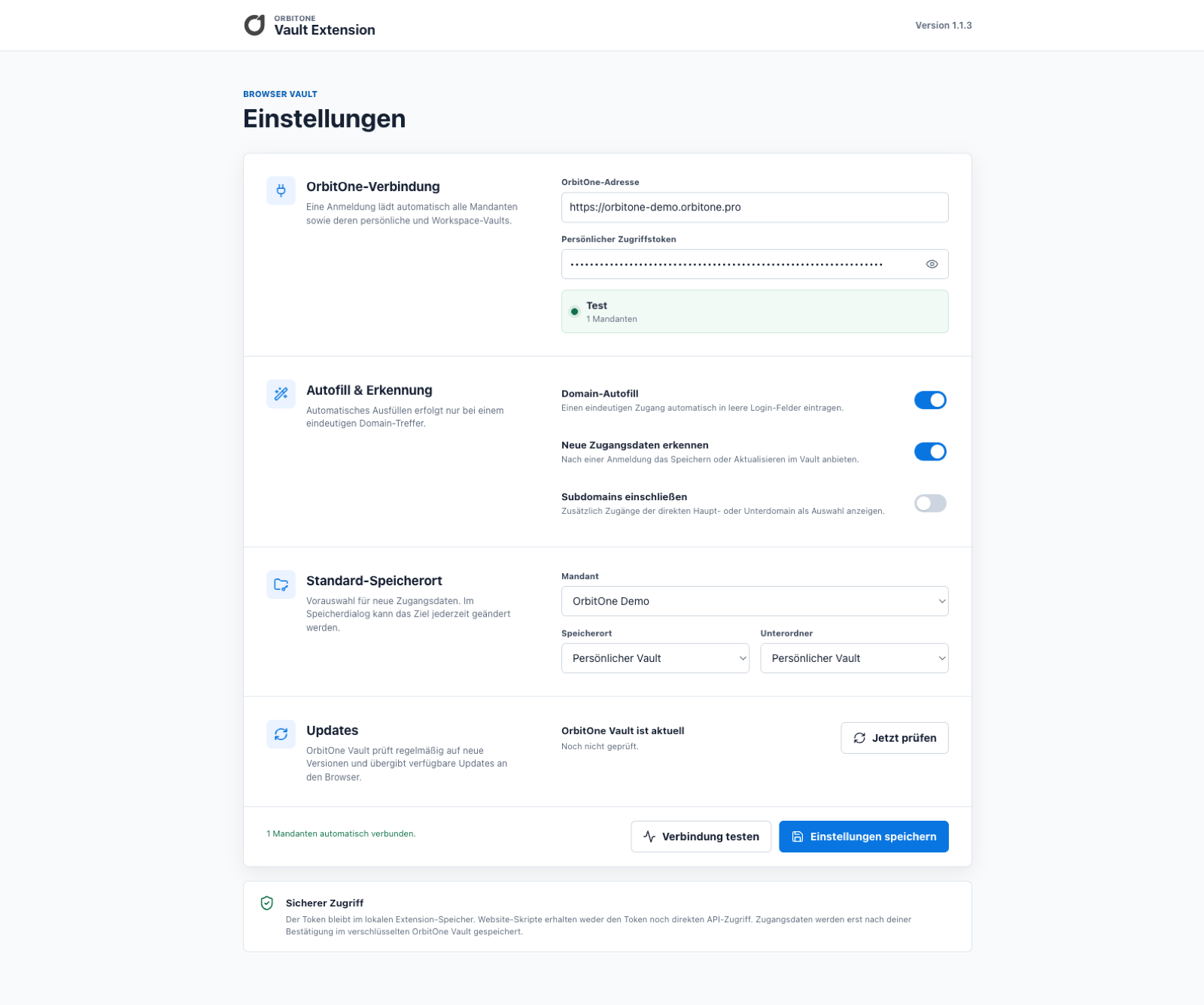
- Vault browser extensionSearch credentials and fill supported login forms.
- UpdatesClients check for available versions and provide an update path.
Vault browser extension
Search and autofill.
The extension connects to OrbitOne Vault, searches credentials for the current website and can fill permitted credentials into login forms.
- Google Chrome
- Microsoft Edge
- Mozilla Firefox
- Safari on macOS
- Personal and workspace Vaults
VS Code extension
Status, commit, pull and version download.
The extension compares local files with the OrbitOne repository. Individual files, folders or the entire project can be committed; pull and version download update the working copy.